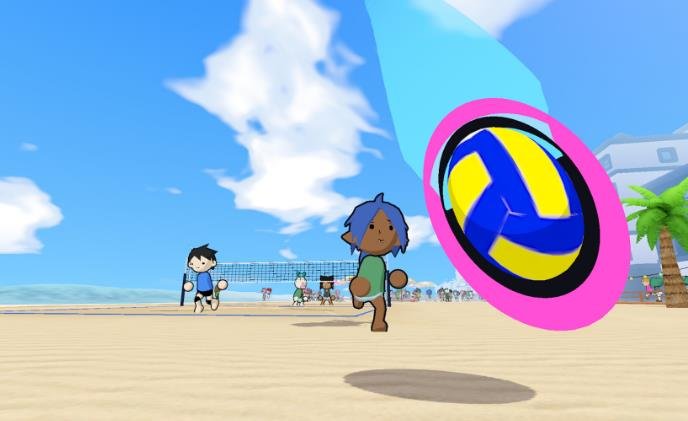
In this guide, I cover the basic controls and movement mechanics in Just Volleyball. I explain how I move, dive, sprint, strafe, manage my stamina, and perform different types of jumps. I also share the key controls I use to make movement easier during gameplay.
How to Play Just Volleyball
Basic Movement
To move around, I use W, A, S, and D. These are the basic movement controls.
Diving
I can dive by right-clicking, but I personally use Q. When I dive, my player moves towards the ball. If I hit the ball, it will travel in the direction of my mouse cursor.
Sprinting
To sprint, I hold Ctrl or double-tap W. I personally use Left Shift, but I can change it to any key I prefer.
Sprinting lets me run faster, but it drains my energy quickly.
Strafing
To strafe, I hold Shift. This makes my player follow my cursor/crosshair, which is useful when I want to look ahead while moving.
I personally use Left Ctrl for strafing, but I can use whichever key works best for me.
Energy Drain
While using all these moves, I need to keep an eye on my stamina. In the clip below, the green bar represents my stamina.
When it reaches 0, my player stops moving for a little while until it recharges. This usually happens when I dive with low energy.
Jumping
I can jump using the Spacebar, and there are two types of jumps: high and low.
If I hold the Spacebar and wait until the green circle is fully charged, I’ll perform a high jump. If I release it before it’s fully charged, I’ll jump lower.
Bam Jumping
If I hold my jump button until the circle turns green and starts flashing white, releasing it will let me jump super high. However, this will use all my stamina.